Use Case: Activate prepaid SIM card
Activate prepaid SIM card online
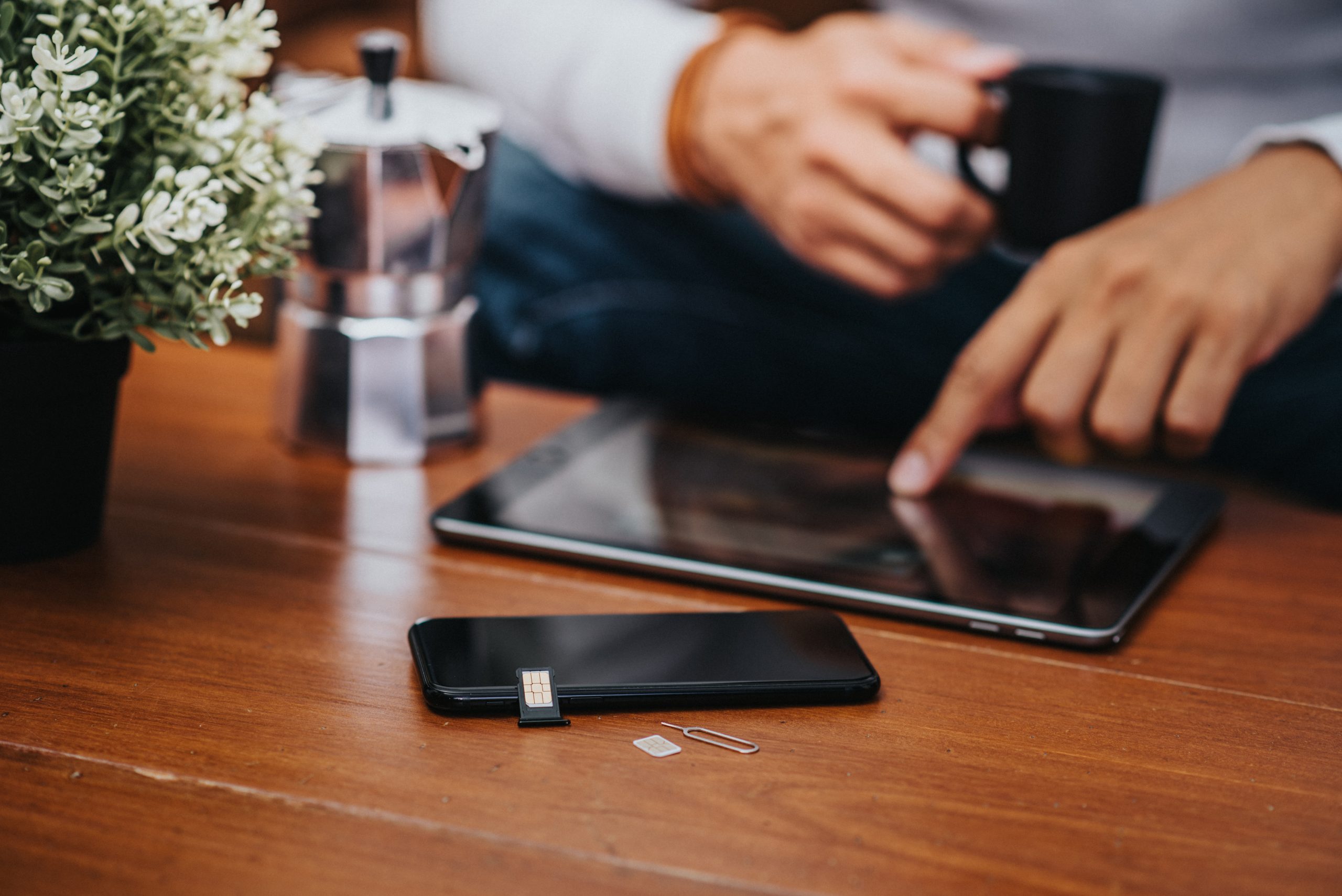
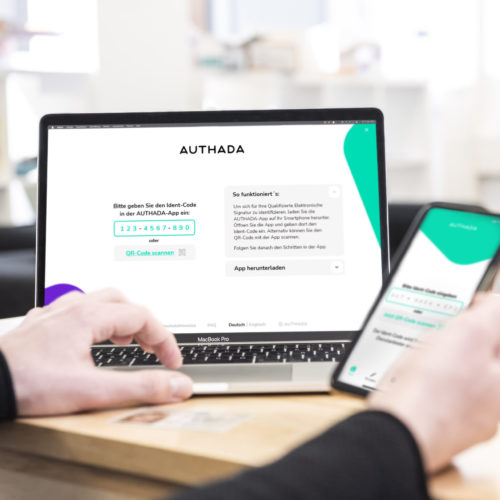
A real benefit for your customers – from the very first minute! After purchasing a SIM card, don’t make your customers wait long to activate it. With AUTHADA ident, customers can carry out the necessary regulatory identification themselves and in less than a minute. All they need is their ID card and a smartphone. They can activate their prepaid sim card in no time at all. Rely on AUTHADA’s solution, simplify processes and increase the satisfaction of your customers! Fast and smooth customer onboarding with ident – including cost reduction, process optimisation and maximum security!
Advantages of AUTHADA
- Combine digitization, progressiveness and regulation!
- Adapt your offer to the consumer behaviour of the digital age.
- Enjoy the fully automated transfer of customer data and documents to your system.
- Enjoy full freedom and say goodbye to forecasts or personnel planning.
- Be compliant with the German Telecommunications Act, and at the same time be fully digital.
- Receive identity data that conforms to the German Telecommunications Act upon request.

And this is how ident works
Open AUTHADA ident
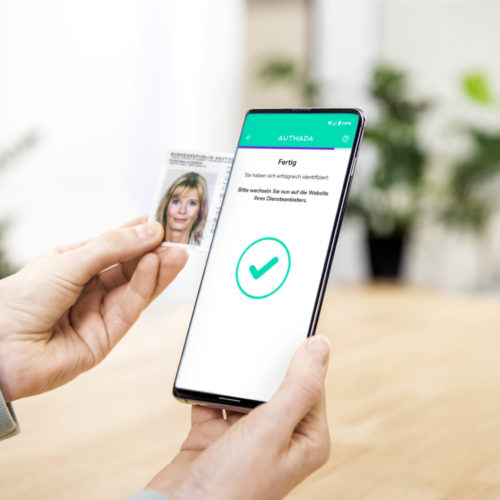
Open AUTHADA ident, enter the ident code or scan the QR code.

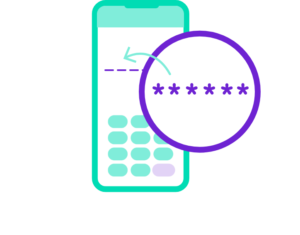
Enter PIN
Enter the 5 or 6 digit PIN into the app.
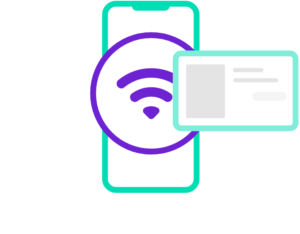
Read ID card via NFC
When prompted by the app, hold your ID card up to the NFC interface on your smartphone.
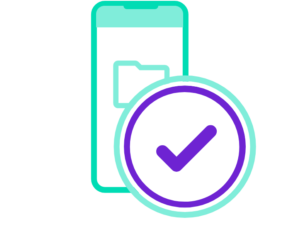
Transfer identity data
Via the chip of your ID card and the interface of your smartphone, the data is transmitted to the service provider.

The solutions for your processes
AUTHADA sign
Do you connect contract signatures with time-consuming processes, filled files and travelling? Not any more! Thanks to sign, handwritten signatures are no longer necessary – even for official documents. You save paper and printing costs and travelling is not necessary anymore. Reduce your ecological footprint easily!
Our customer projects: AUTHADA solutions in use

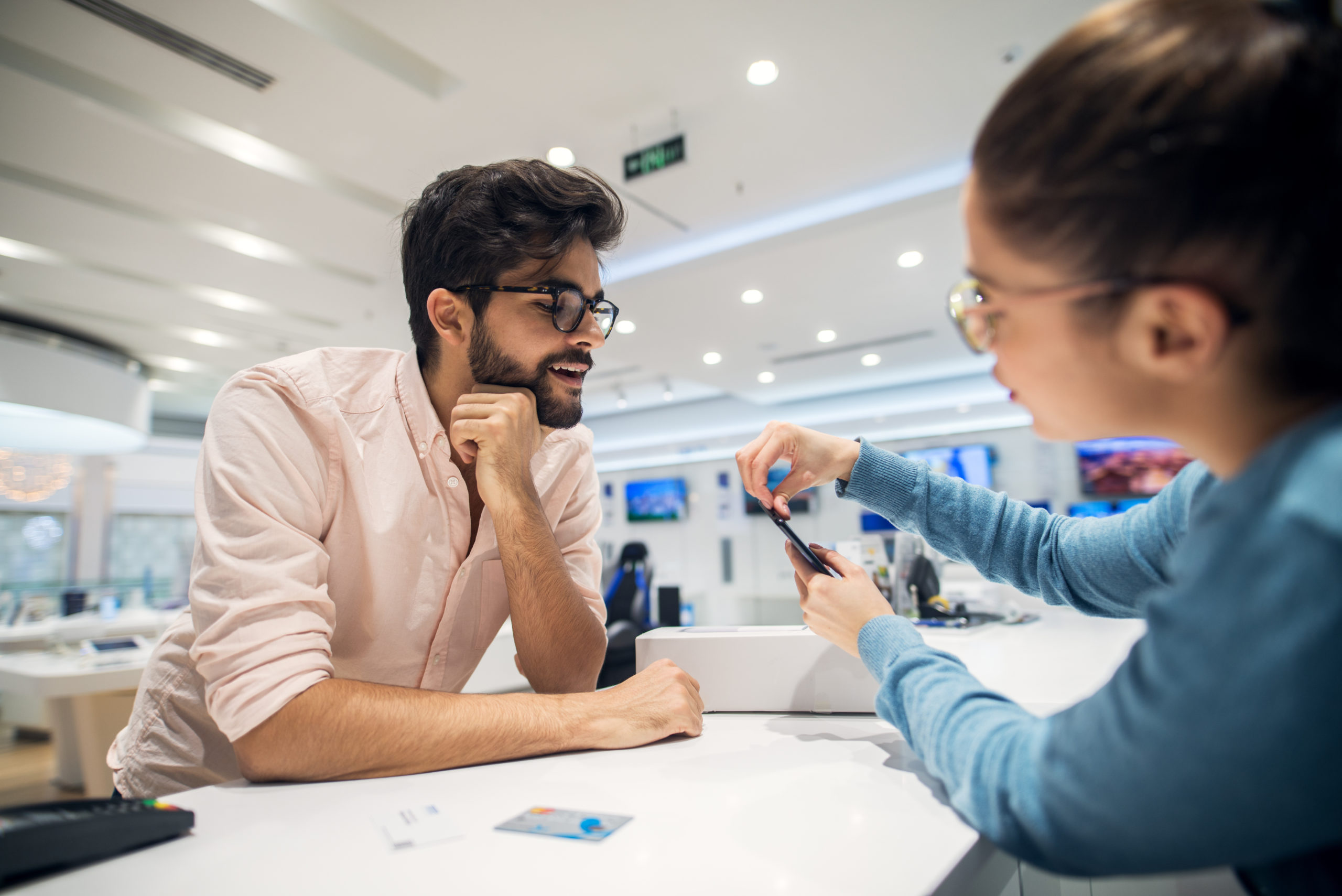
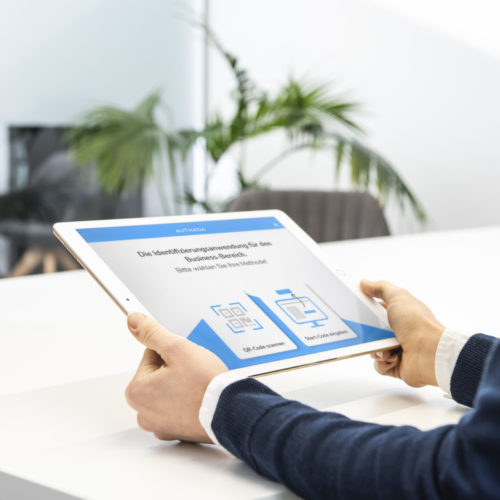
Always making use of the latest technology is not only a good decision when it comes to smartphones. With AUTHADA onsite and sign, you can conclude a contract for a new smartphone with your customers in just a few minutes. GwG-compliant identification and digital contract conclusion in one step! You save time, money and paper!
-
Using their ID card and smartphone, the customers of this telecommunications provider identify themselves independently within a few minutes. The newly purchased SIM card is then immediately ready for use. Quick and smooth customer onboarding – with a reduction in costs, process optimization and the greatest degree of security!